Stronger together offline too
Using social media less for a month is not just for adults. Children, teenagers and families also experience how pleasant it is to take a break from the screen. But how do you approach this as a parent, teacher or supervisor? Instead of imposing rules, it works much better to make agreements together and turn it into a joint challenge. This blog shows how you can successfully shape Mei Social Vrij with your family or class – including practical ideas and inspiring tips.
Why reducing social media together works
Participating in Mei Social Vrij together creates a sense of connection and shared responsibility. It takes the pressure off ‘having to reduce’ and makes room for conversations about digital habits. Moreover, as an adult, you set a good example – and that is much more powerful than any rule you impose.
Family approach: don't ban, but replace
Start with an open conversation. What would everyone like to change? What challenges do you face? Let each family member formulate a personal goal. For example: ‘I want to stop using my phone after 8:00 PM’ or ‘I want to use TikTok only on weekends’. Pair this with joint alternatives – such as a game night, cooking together or a screen-free Sunday afternoon.
Practical family tips:
- Set screen-free times together (for example during meals or before bedtime)
- Use Gametimer on all devices to set limits
- Hang up an overview of the agreements made
- Reward effort with something fun (an outing, movie night, extra playtime)
- Reflect weekly: what went well, what can be improved?
In the classroom: educational and connecting
At school, you can use Mei Social Vrij as part of a project week or mentor lesson. Discuss with students how much time they spend on social media and let them reflect on this. With Gametimer, students can keep track of their own screen time and set goals.
For example, let students keep track of how many hours they spend on social media each day and what they did instead. Discuss the benefits they experience in class, but also the challenges.
Tips for the classroom:
- Start a class challenge: who reduces their screen time the most?
- Work with logs or input lists
- Make it part of a theme week about media literacy or mental health
- Let students visually process their experiences (e.g. in a poster or presentation)
- Set a good example yourself as a teacher
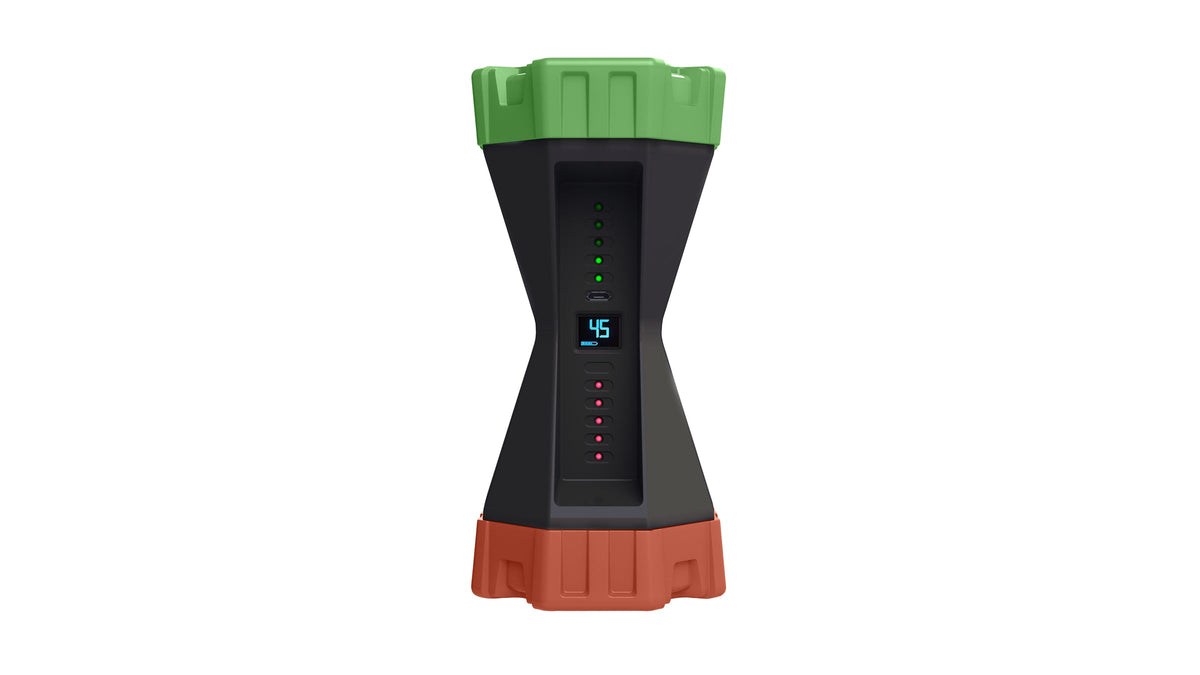
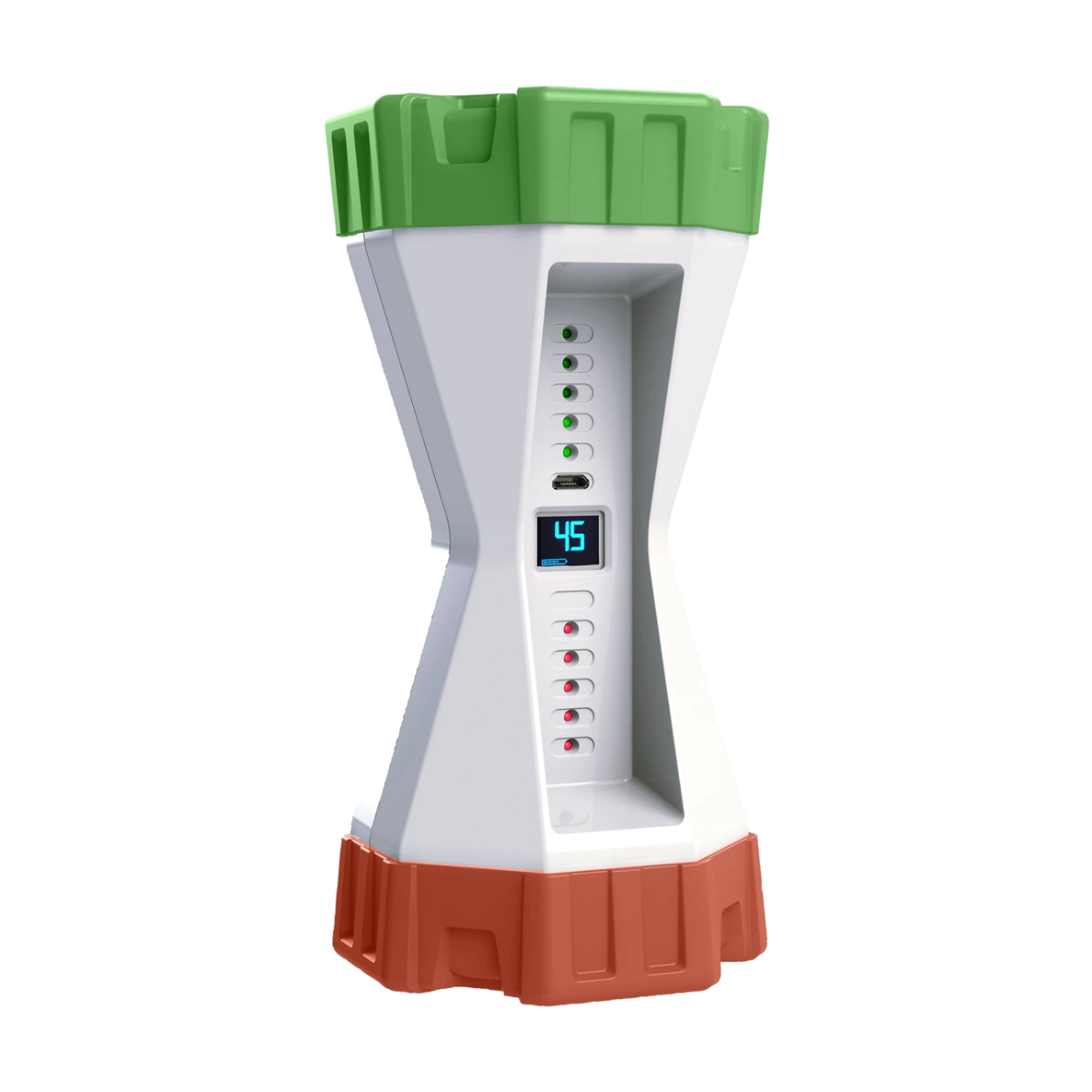
Gametimer as a joint tool
In family and school situations, Gametimer is extremely suitable for bringing structure and calm. You can manage multiple users, set limits per family member or student, and involve everyone in the process in a playful way. It becomes not a control tool, but a tool to make conscious choices.
Going offline together
Participating in Mei Social Vrij together is an opportunity to restore the digital balance at home or at school. Not by punishing or banning, but by inspiring and discovering together what happens when you make room. With Gametimer, you make it not only easier, but also more fun – for everyone.