Sleep problems in children are becoming increasingly common, and one of the main culprits is screen use just before bedtime. But how exactly do screens affect your child's sleep, and what can you do to promote a healthy sleep pattern? In this blog, we explain what happens in the brain when screens are used, what the consequences are for sleep, and how you as a parent can manage screens wisely to create peace at home.
How do screens affect sleep?
- Blue light disrupts the sleep hormone
Screens from tablets, smartphones, and computers emit blue light. This light suppresses the production of melatonin, the hormone that prepares the body for sleep. As a result, it takes children longer to fall asleep.
- Overstimulation of the brain
Games, videos, and social media can activate children's brains, making it difficult for them to relax. This overstimulation makes it hard to fall asleep and can lead to a restless night's sleep.
- Wrong focus on bedtime
When children are using screens just before bedtime, they are likely to prioritise what is happening on the screen instead of preparing for sleep. This can lead to procrastination and insufficient sleep.
What are the consequences of poor sleep due to screen use?
Insufficient sleep can have a negative impact on various aspects of your child's life, such as:
- Concentration problems: Poor sleep can make it difficult for your child to concentrate at school.
- Emotional instability: Lack of sleep can lead to irritability and mood swings.
- Physical health: Too little sleep weakens the immune system and can contribute to obesity.
- Reduced school performance: Children who do not sleep well often have difficulty absorbing new information.
How can you limit screen use before bedtime?
- Set a screen-free period
Introduce a screen-free period of at least one hour before bedtime. Use this time for quiet activities such as reading, crafting, or taking a warm bath.
Tip: Make the screen-free period part of a regular evening routine, so children know what to expect.
- Use technology wisely
Enable night mode on devices that children use. This reduces blue light, which has less impact on the production of melatonin.
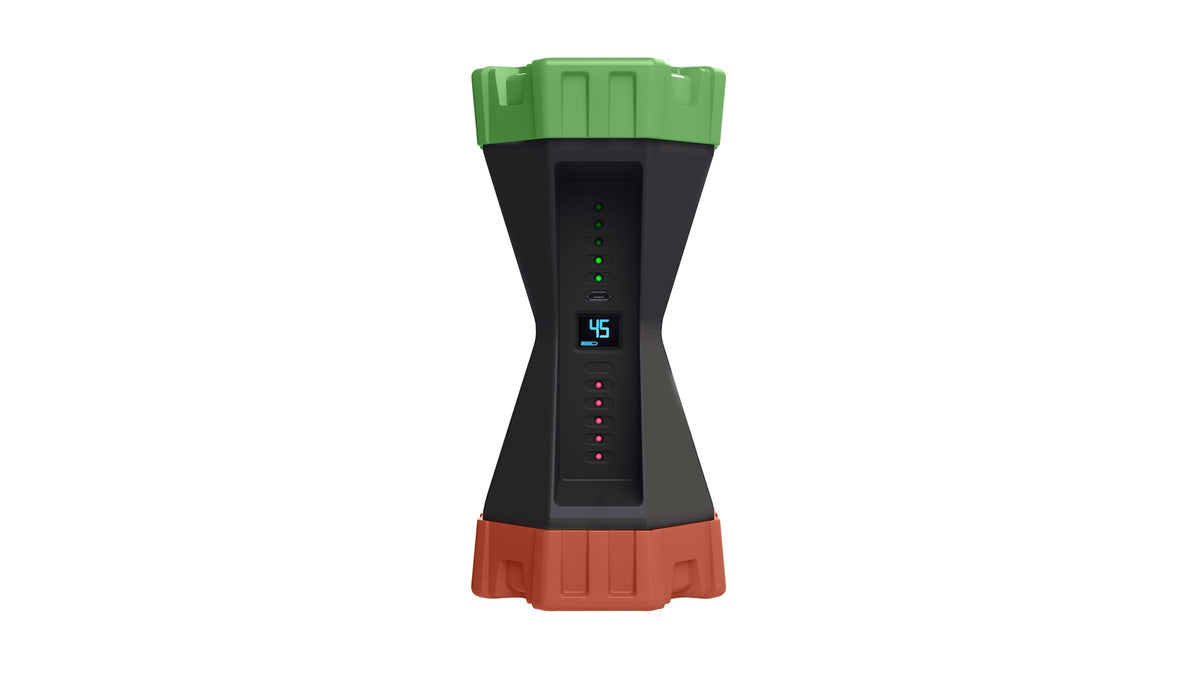
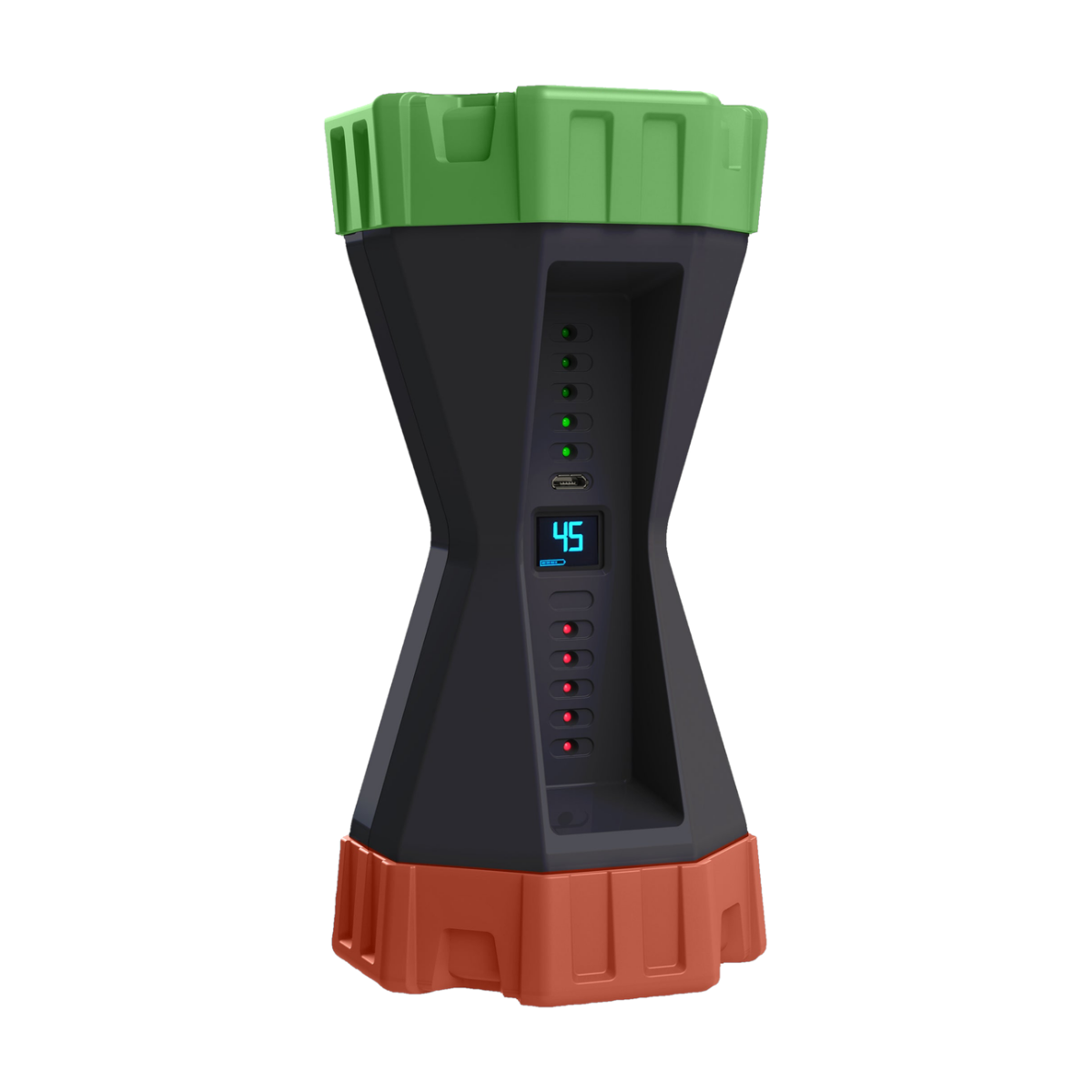
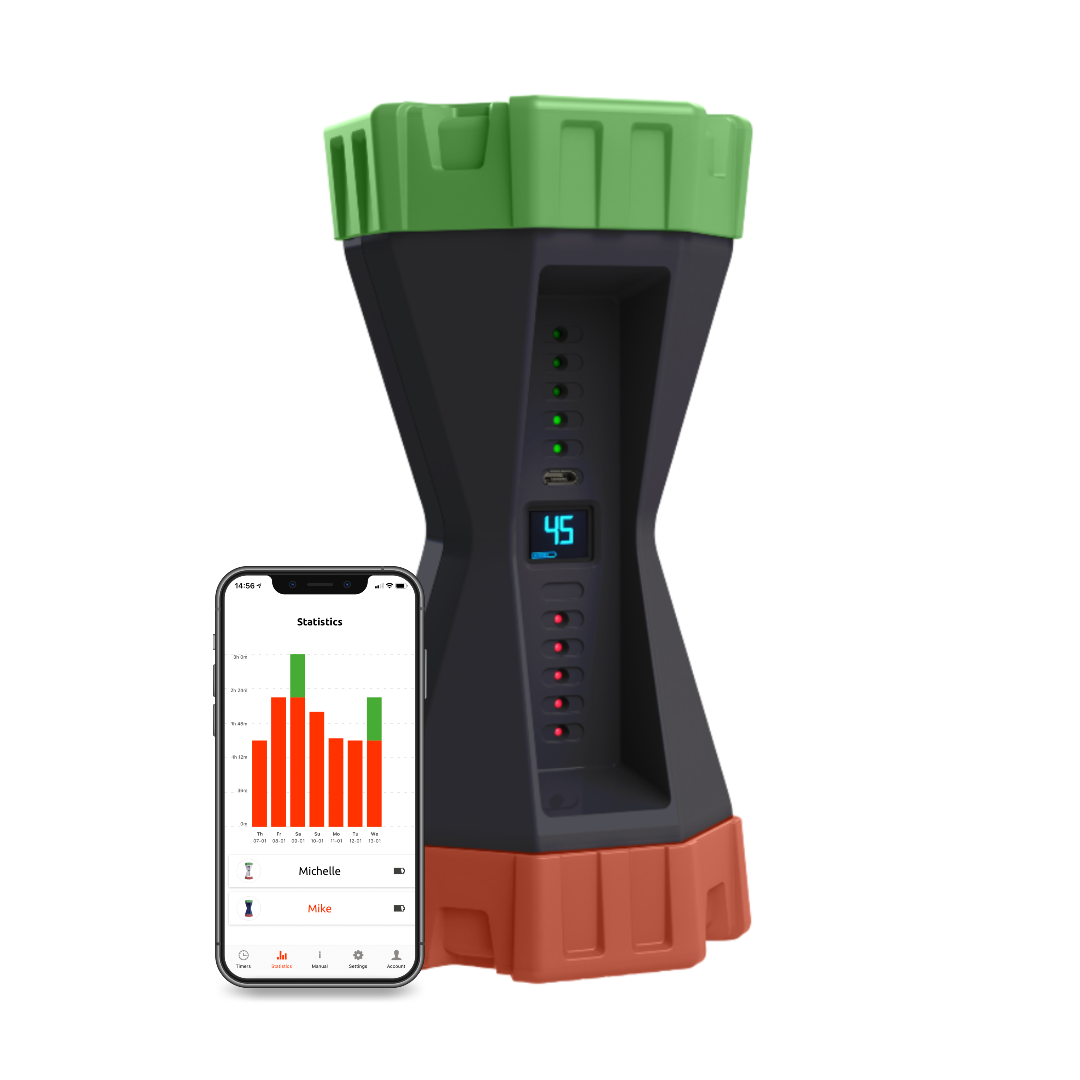
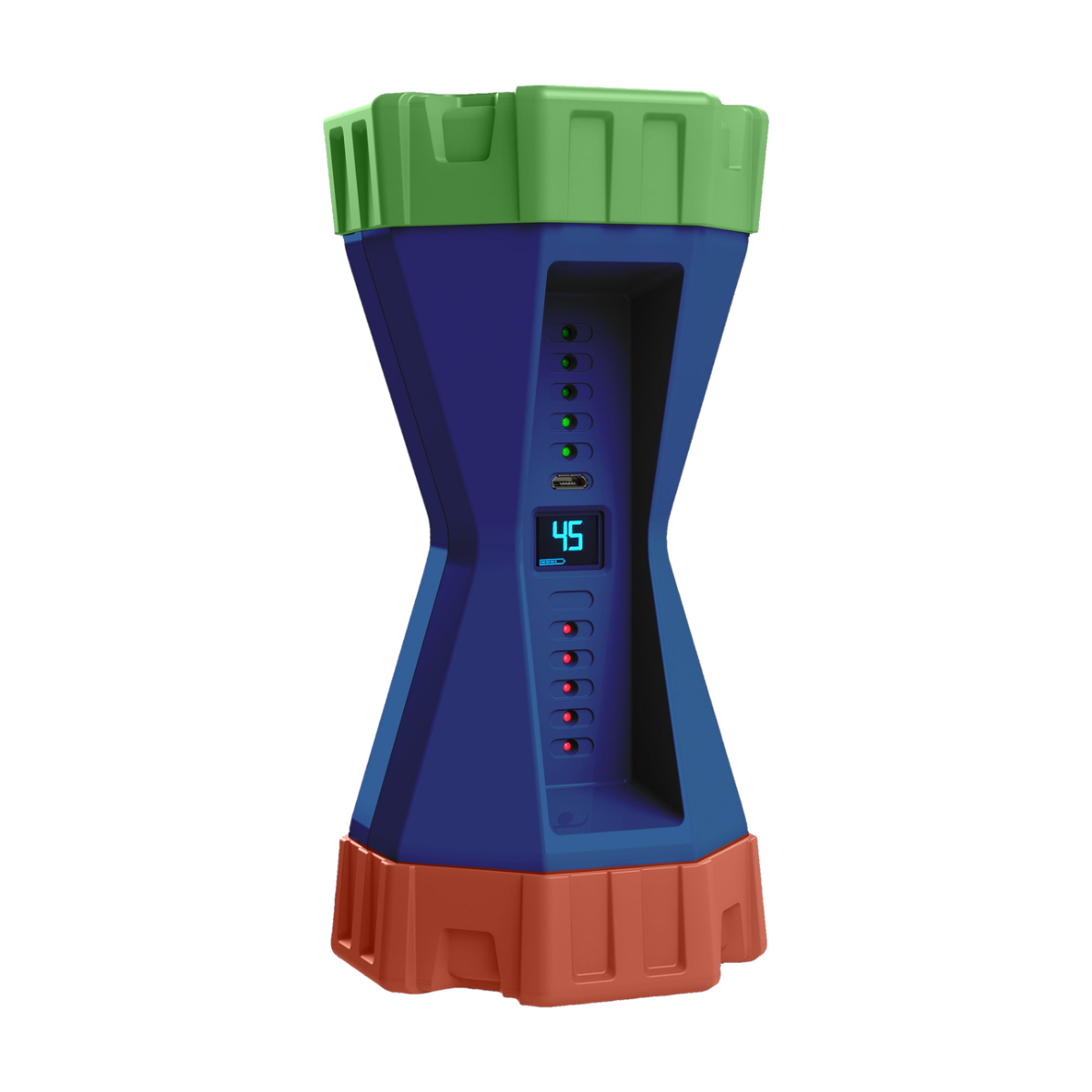
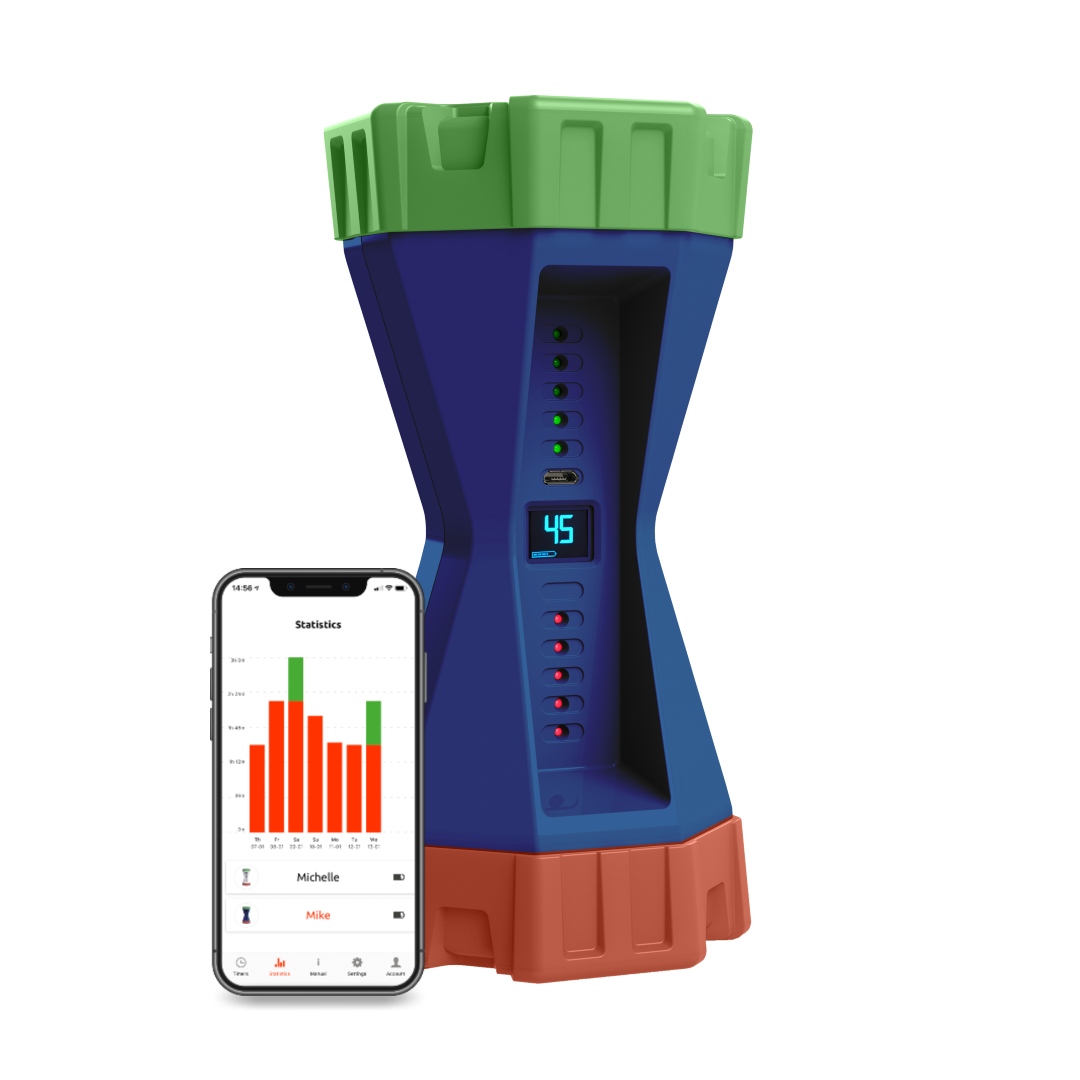
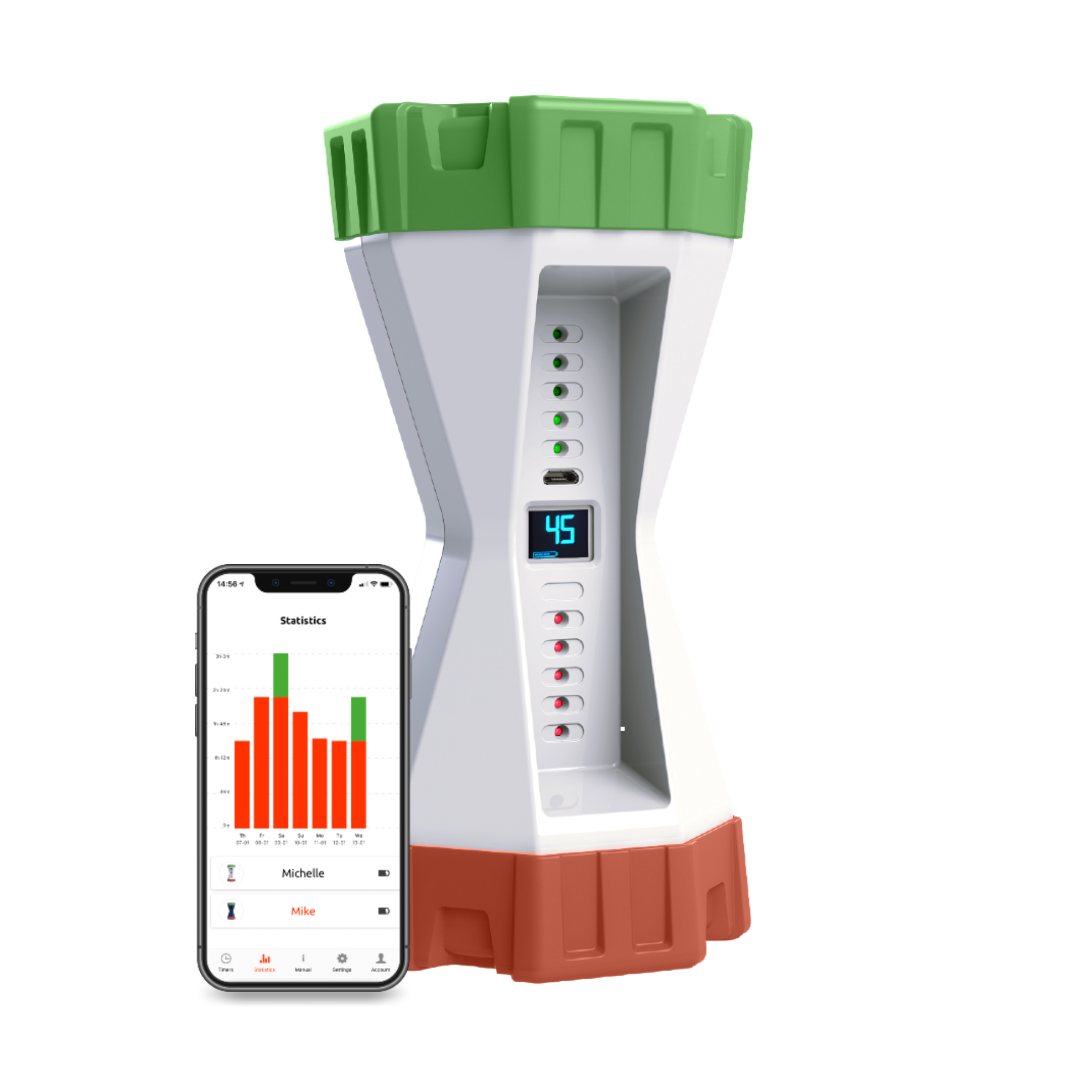
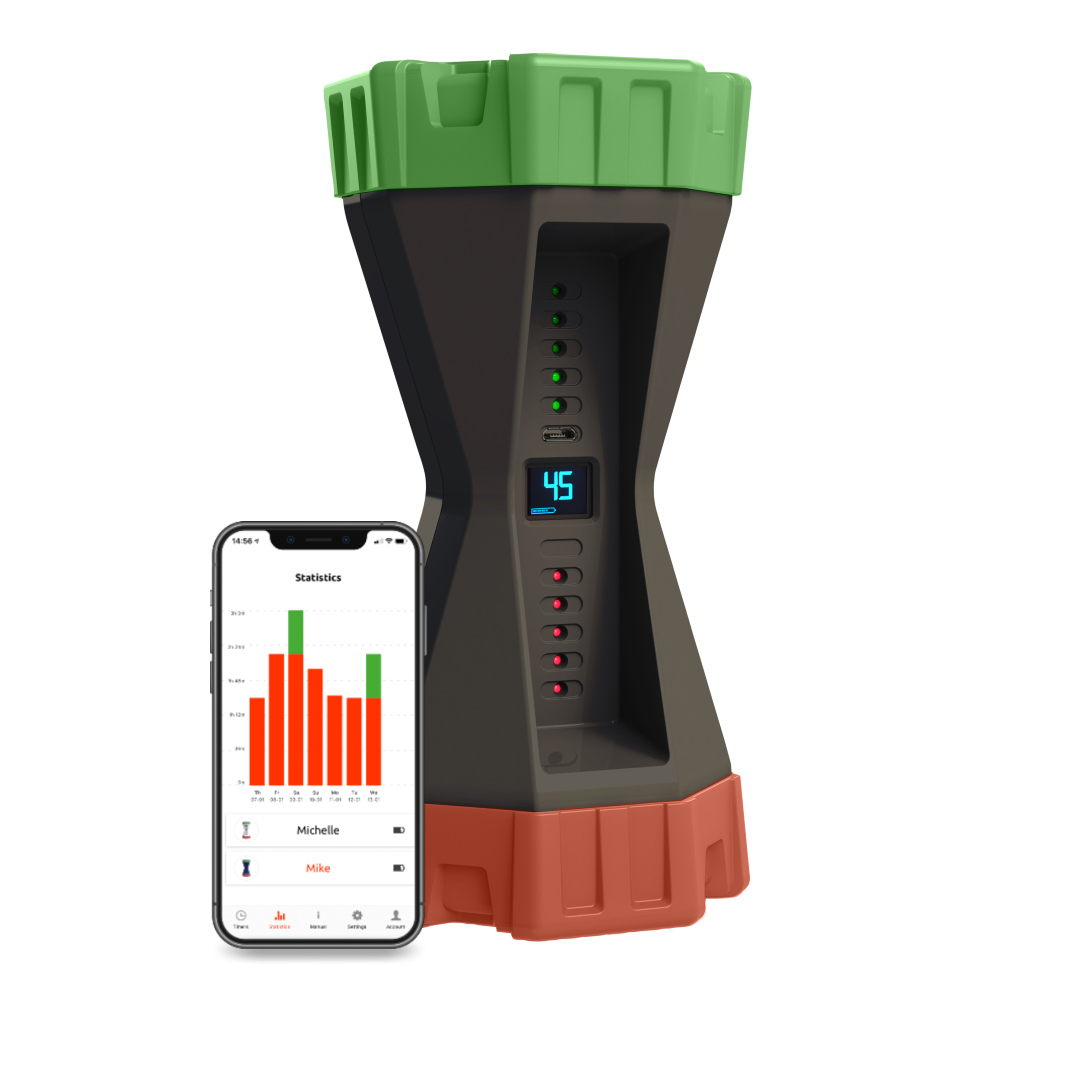
Tip: Set time limits using apps such as the Game Timer to manage screen use.
- Create a relaxing sleep environment
Make sure the bedroom is a place to relax. This means:
- No screens in the bedroom.
- Use blackout curtains and ensure a quiet environment.
- Choose a night light with warm light instead of bright, blue light.
- Be a role model
Show your children how you consciously manage your own screen use. Put away your phone and spend the evening doing relaxing activities such as reading or having a family conversation.
What to do if your child already has sleep problems due to screens?
- Talk about the problem: Discuss in an understandable way how screens affect their sleep.
- Introduce changes gradually: Start with a shorter screen-free period and gradually extend it.
- Provide alternatives: Offer quiet activities, such as doing puzzles or listening to an audiobook.
The benefits of a good night's sleep
When screen use before bedtime is limited, children benefit from:
- Deeper and more restorative sleep.
- Better concentration and mood during the day.
- More energy and a stronger immune system.
- Improved school performance and a happier feeling.
A healthy sleep routine gives children the rest they need to grow physically and mentally.
Conclusion: sleep starts with smart screen time
Screens are a valuable tool, but they have their place. By limiting screen use before bedtime and creating a relaxing evening routine, you help your child sleep better and feel better during the day. Start making small changes today and notice the difference in your family's sleep quality.